
5 Essential Acupuncture Website Fixes
Martin has been recommended by his sister and has his diary open. Kate's website needs to answer his questions about needles before a giant close-up puts him off.
Published by the GROW Formula® team · Updated

At 8.46 on a Sunday evening, Martin sends his sister a screenshot of an acupuncturist’s website. “Are they actually that big?”
The photograph is a close-up of a needle. By an unfortunate coincidence involving the width of Martin’s phone, it appears to be roughly the size of the Allen key he used to assemble his daughter’s bed.
His sister replies, “I went on Tuesday. You could barely see them.”
“Why have they made it enormous, then?”
“I don’t know, Martin. I didn’t do their website.”
A word-of-mouth recommendation has done its job. Somebody who trusts an existing patient has looked up the practice, on his own time, with his diary open. Now a photograph selected in under thirty seconds by a woman called Kate is doing quite a lot to reverse that achievement.
Kate is our fictional acupuncturist. If you’re building or updating an acupuncture website, try following Martin through hers. Each of these five changes answers a question that might otherwise cost Kate a first appointment.
1. Let the first photograph introduce the acupuncturist
Kate chose the needle because it was immediately recognisable as acupuncture. Fair enough. Unfortunately, Martin already knows it’s acupuncture. He typed Kate acupuncture Winchester himself. What he’d like to know is who’s going to meet him and whether he can say, without causing offence, that he’s a bit funny about needles.
Try putting a recent photograph of yourself in your actual treatment room at the top of your homepage. Use the name people know you by, say what you do and give the town or neighbourhood. Then add one detail that matters to the patients you want to reach. Kate’s version could read:
Acupuncture in Winchester with Kate Ellis New to acupuncture? Your first visit includes time to talk about what’s brought you here, ask questions and decide whether you’d like to go ahead with treatment. I see patients in my ground-floor clinic near the station.
Now the photograph and words are doing different jobs. Martin can recognise Kate when she opens the door. He also knows there will be a conversation before anybody opens a packet.
If you practise in two locations, put both on the homepage and show which days you’re at each. Make sure your practice name, address and booking link match the relevant directory and Google Business Profile listings. A patient recommended by a friend at one clinic can easily book the other if all the buttons say See Kate.
2. Write a first-visit page someone can read with their sleeves still down
Kate’s original treatment page begins with the history of acupuncture. Martin has a more pressing historical question. The last time anyone put a needle in him, they took three tubes of blood and gave him a piece of cotton wool to hold. How closely related are these activities?
Answer the needle question early and precisely. Acupuncture uses fine needles, and sensations vary. Some people notice little on insertion. Others describe a tingling or dull ache. Explain what you do if something feels uncomfortable. A blanket promise that it’s painless leaves a patient who does feel something wondering whether they’re supposed to keep it to themselves. British Acupuncture Council patient guide
Then walk the reader through your first appointment. What happens while you’re both sitting in chairs? If you check pulses or look at the tongue, what will you ask them to do? When will you discuss the proposed treatment and seek their consent? What clothing might they need to adjust, and how will you give them privacy? If your booking says 75 minutes, tell them how much of that is likely to be conversation. Otherwise Martin has ample opportunity to picture himself spending an hour and a quarter motionless with an itchy nose.
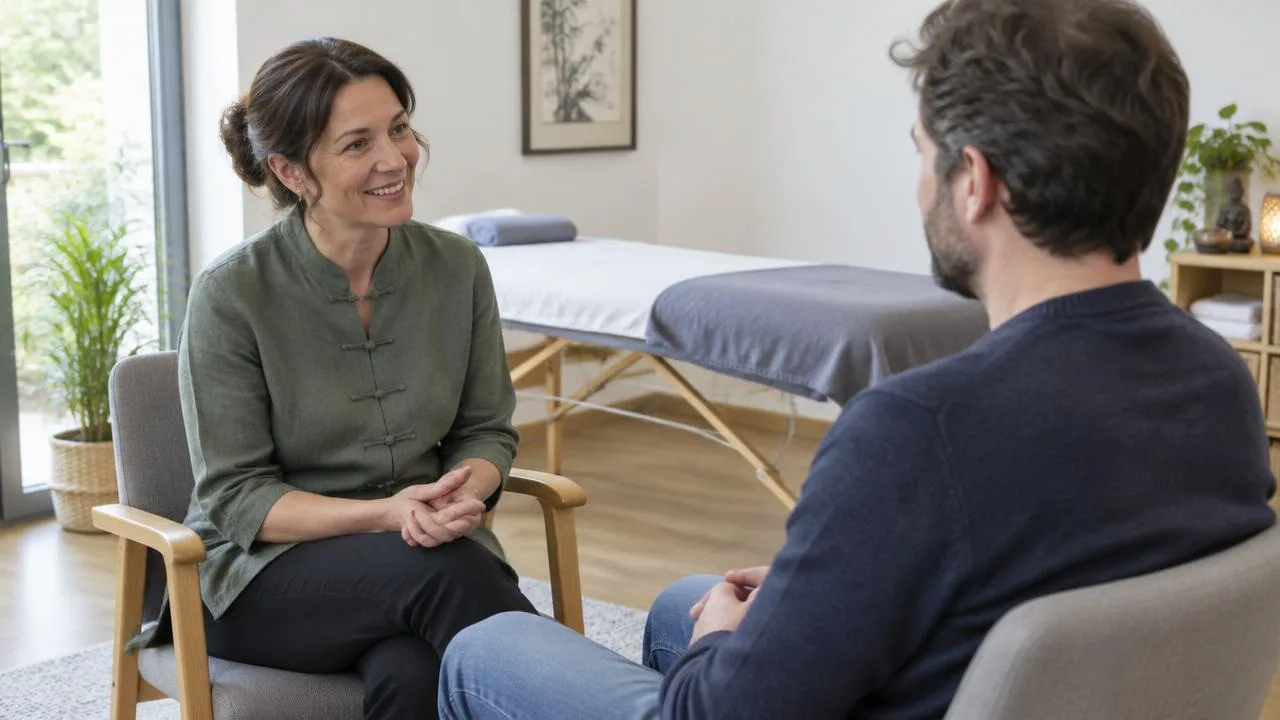
Give one sentence to the part patients can control. For example: “I’ll explain what I’m proposing first. You can ask me to pause, change position or stop treatment at any point.” Use language you’d feel comfortable saying aloud. That sentence is a small preview of how it feels to be in your care.
3. Give each clinical claim the attention you’d give a patient’s question
Martin is looking into acupuncture because of headaches. Kate’s website has a page called What I treat, followed by thirty conditions in alphabetical order. He finds headaches somewhere between hay fever and hip pain. He still can’t tell whether the information applies to the kind he gets.
A useful acupuncture service page starts with a specific question you hear in practice. Give it a plain-English answer, explain the scope and limits of the evidence and link to a source the reader can inspect. If the evidence concerns a particular type of headache, keep that distinction in the heading and the text. Results for one condition, outcome or time period don’t establish the same result for another.
For UK practitioners, CAP’s acupuncture guidance is a good place to check the wording of advertising claims. It discusses the evidence the ASA has considered and gives examples of claims that have caused problems. Read the guidance before publishing a condition page, including the quotations you choose to display. A genuine testimonial, shared with permission, can still imply a treatment claim. CAP guidance on advertising acupuncture
Nearby, give your relevant qualification in full, state your current professional membership accurately and link to your register entry where available. MBAcC means something to an acupuncturist. Martin might reasonably appreciate a few words explaining that a patient can check the practitioner’s membership of the British Acupuncture Council.
4. Price the first visit and the decision that comes after it
Martin finds the fee: £75. That seems manageable. Then he reads acupuncture works best as a course and starts doing the sort of mental arithmetic people do when the second number has been deliberately withheld.
Put the appointment type, full fee and total time together. If your first appointment includes treatment where appropriate, say so. If it’s a consultation only, say that instead. Here’s an illustrative menu:
| Appointment | What’s included | Fee |
|---|---|---|
| Introductory phone call, 15 minutes | Ask questions about suitability and what to expect | Free |
| First acupuncture appointment, 75 minutes | Consultation, discussion of options and time for treatment if you choose to go ahead | £75 |
| Follow-up appointment, 45 minutes | Review and further treatment as agreed | £55 |
The line underneath can be just as useful as the figures: “At your first visit we’ll discuss whether a follow-up makes sense, when that might be and how we’ll review progress. You can book one appointment at a time.” Use wording that reflects how your practice operates. If you sell a course, give its total cost and terms up front. Keep the same fees in your online calendar. Finding a different price there gives Martin a fresh reason to ring his sister, who has made it fairly obvious where her responsibilities end.
5. Let a nervous patient choose how to take the next step
For one visitor, the next step is choosing Tuesday at six. For another, it’s asking whether they can meet you before deciding about needles. Your website can accommodate both without giving them eleven buttons and a mild sense of having joined a quiz.
Keep Book an appointment visible on every page and link it directly to live availability. If you offer a free introductory call, place it first in the booking menu and say who rings whom. Give anyone with a question a business email address, mobile number or simple contact form, with a realistic reply time. On the clinic page include a map, directions, access and parking details. Check that the appointment confirmation names the right premises.
Before signing off the design, send the website to somebody who’s never tried acupuncture. Ask them to open it on their phone and find three things: what they might feel, what a first appointment costs and whether they can speak to you beforehand. Listen for the question they ask you. That’s the bit your website hasn’t answered yet.
On Sunday evening, Martin returns to Kate’s revised site. He reads about the first visit and books the introductory call. In the box marked Anything you’d like to ask?, he types, “I’d like to talk about the needles, please.”
On Monday Kate rings. “What in particular worries you?”
“I had a blood test once and nobody told me when it was going in. I’d quite like to know.”
“I can tell you just before,” says Kate. “Would that help?”
It would. All the website needed to do was get those two into the same conversation. His sister, eating her lunch in peace, approves of the redesign.
Before putting more time or money into attracting acupuncture patients, check that your fees and the number of paid appointments you need add up. Do the maths for your practice.
Once acupuncture patients find you, what happens before, during and after their appointment matters too. Give great service in your practice.
More on be visible online

Where to go next
The same principle in other professions
Ideas often travel well between modalities.

4 Ways to Speed Up Your Mindfulness Website Before Class Starts
Asha needs a time, a door and a chair. Robin’s website offers reeds. Four practical changes can help students find what they need before class starts.

3 Pages Your Craniosacral Therapy Website Actually Needs
June wants to know about trousers, Fridays and fifty pounds. Three useful pages can help your craniosacral therapy website answer the questions that matter.

5 Things to Put on Your Alexander Technique Homepage
Hilary’s choir folder has room for the music, but not for guessing what a lesson involves. Five homepage details can help new pupils take the next step.
4 Ways to Keep ‘Book Now’ in Sight on Your Yoga Website
Ruth has a lift, a free Tuesday and no yoga mat. Keep booking within reach at the moment your website answers a new student’s last question.