
4 Ways to Speed Up Your Mindfulness Website Before Class Starts
Asha needs a time, a door and a chair. Robin’s website offers reeds. Four practical changes can help students find what they need before class starts.
Published by the GROW Formula® team · Updated

At 6.17 on a Wednesday evening, Asha is standing outside the library trying to find out whether the beginners’ mindfulness class starts at half past six or seven. Her phone is showing her some reeds.
She watches them for a bit. They appear to be beside a lake. Quite a breeze on that lake, actually. There is, as yet, no information about Wednesday.
Asha has thirteen minutes before either the class starts or she has forty-three minutes before the class starts. These are very different amounts of time when you haven’t had your tea.
Inside, Robin, the mindfulness teacher, is setting out chairs. He knows exactly what the trouble is with beginners’ evenings lately. “People leave it to the last minute,” he says.
Outside, the reeds have faded gently into the word Arrive.
“I have,” says Asha.
If you teach mindfulness meditation, website load speed matters most at the moment somebody needs one small piece of information. Asha already wants to come. The work your website has to do now is modest: give her a time, a door and a way to reserve a chair. Here are four changes Robin could make before next Wednesday.
1. Make the timetable the first thing that loads
On Robin’s laptop, the film, heading and class details appear together. He’s opened the page six times today over his home Wi-Fi. Asha is visiting for the first time, on mobile data, underneath a concrete overhang. Both of them are accurately describing their experience of the same website.
Build your class page around a short block of ordinary text that can appear while the pictures are still arriving. Avoid putting the timetable inside an image, a PDF or a calendar widget that has to wake up and consult Head Office before revealing what day it is.
Here’s the first screen Asha could have seen:
Beginners’ mindfulness meditation in Lancaster Wednesdays, 6.30 to 7.15pm · Library meeting room · £10 per class Chairs provided. No previous meditation experience needed. Use the side entrance on King Street. Book Wednesday’s class
Those are fictional details. Use your actual ones, including whether someone can drop in or needs to book ahead. For an online class, give the time zone and say when the joining link arrives. If you teach in several venues, give each class a page or link people can share directly. Asha shouldn’t have to start again at the lake because somebody forwarded her the timetable.
A beginner has other questions, too. What if sitting on the floor is uncomfortable? Will they have to introduce themselves? What happens when their mind wanders straight back to tea? Answer the questions that reflect your teaching in a short What to expect section beneath the booking details. Give your name, a recognisable portrait and your relevant teacher training there, so visitors can find out who will meet them.
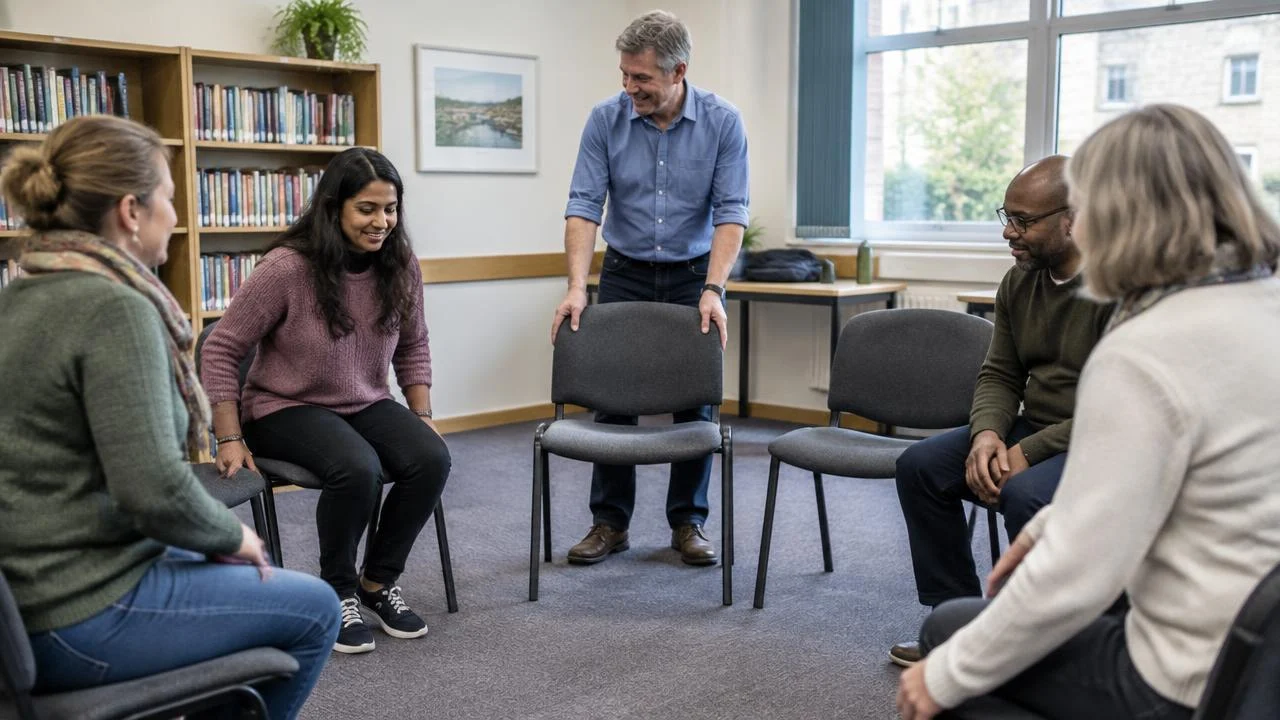
2. Give the guided meditation a play button
Robin likes the lake film. His sister got up at five to film it, and family feeling around the reeds is running high. He also has a three-minute guided practice on the homepage. That recording is genuinely useful. A nervous beginner can hear his voice and get a sense of his pace before committing to a class.
The useful question for each feature is when does the visitor need it? Asha needs the time immediately. She may want to try the recording when she gets home. Only Robin’s sister requires immediate access to the reeds.
| On your mindfulness website | What to ask your designer to do |
|---|---|
| An opening film or slideshow | Use a small still image on the class page. Offer the film separately behind a play button. |
| A guided audio or video sample | State its length, include a transcript and load the player when the visitor chooses to listen. |
| Photographs of the teacher and venue | Supply compressed images sized for the screen. Load photos further down as visitors approach them. Let the main photo load promptly if it’s visible at the top. |
| A map and social media feed | Put the written address and a directions link on the page. Check what the feed contributes before asking every visitor to download it. |
One detail to mention in a design brief: delaying every image can backfire. If the largest thing in the first screen is a photograph, the browser needs to discover and load it early. Save deferred loading for content further down. Google’s guide to improving loading performance
3. Look for the delay between seeing a class and booking it
At 6.21, Asha gets a timetable. There’s a place available. She taps Book and arrives at a second timetable, this one set to Monday. Somewhere a software company is delighted with how seamlessly its calendar integrates.
Test the handover to your actual booking system. From the class description, send people directly to the right session or booking option wherever possible. Keep the class name, venue, time and full price consistent at checkout. A fast page followed by a slow or confusing calendar still leaves somebody standing outside the library.
Ask your designer whether a simple booking link would serve you better than an embedded calendar on every page. With a direct link, visitors can read about you and see the timetable without first downloading the booking software. Keep a visible Book a class option on each relevant page. Give people with a question a tappable email address or mobile number, plus a short contact form and a realistic reply time. Someone asking whether there’s a chair shouldn’t need to create an account.
Try it at larger text settings, too. Can you still see the fee, tap the button and move through checkout without a banner covering the next step? Once a test booking is complete, open the confirmation on your phone. If it contains the time, entrance and access details in the message itself, Asha can get there next week even if her mobile signal gives up entirely.
4. Measure the page your students actually open
Before buying faster hosting or commissioning a new website, put the specific class-page address into Google PageSpeed Insights and choose the mobile report. Start with Largest Contentful Paint (LCP). In plain English, it records when the largest visible image or block of text in the initial view appears. Google’s target is 2.5 seconds or less for at least 75% of visits, assessing mobile and desktop separately. That figure measures one aspect of loading. You’ll still want to try the booking button yourself. PageSpeed Insights · Google’s explanation of LCP
If your local class page has too few visits for Google to show real-user figures for that URL, you can still use the simulated mobile test to investigate what’s slow. Save the result, change one thing and run it again under the same settings. If the report flags the opening video or a large image, start there. This gives you and your designer something more useful to discuss than “It seems fine on my laptop.” How to read a PageSpeed Insights report
Then do Robin’s cheapest test. Ask somebody who’s never visited the site to open the class link on their phone, with Wi-Fi off, near the venue. Give them one task: “Find out if you can join tonight, what it costs and which door to use.” Watch what they’re waiting for. A timetable visible in a second but ten swipes below the opening photograph needs a different fix from a timetable that takes ten seconds to download.
The following Wednesday, Asha brings a colleague. At 6.17 they’re outside the side entrance with two booked places and time to buy something from the bakery.
After the class, her colleague asks how she found Robin.
“A friend sent me his website.”
“Was it any good?”
“Yes. Half past six. Side door. Chair.”
For a woman who’d once stood in that exact spot watching the wind direction on an unidentified lake, this is a glowing review.
Before putting more time or money into attracting mindfulness course participants, check that your fees and the number of paid appointments you need add up. Do the maths for your practice.
Once mindfulness course participants find you, what happens before, during and after their appointment matters too. Give great service in your practice.
Where to go next
The same principle in other professions
Ideas often travel well between modalities.
SEO for Physiotherapists: 5 Ways to Help Local Patients Find Your Clinic
Local SEO for physiotherapists starts with matching a patient's words to a service you actually deliver, in a place they can reach.
Websites for Physiotherapists: 5 Ways to Make a First Appointment Easier to Book
Try looking at your website with a new patient's one piece of information: they know what they're finding difficult. Can they use that knowledge to choose the right appointment?
SEO for Yoga Teachers: 5 Ways to Help Local Students Find Your Classes
SEO for yoga teachers starts with giving each regular class a web page people can find, recognise and use this term.
SEO for Massage Therapists: 5 Ways to Get Found for the Bookings You Want
The point of showing up in a local search is to have the right person book the right service, ideally at an address where one of you is expecting the other.