
SEO for Chiropractors: 5 Ways to Help Local Patients Find Your Clinic
Neil recommends Imogen by the big Co-op. Help local patients turn half a recommendation into the right clinic, the right door and an appointment.
Published by the GROW Formula® team · Updated

Neil is quite happy to recommend his chiropractor. He’s just less happy to be challenged on any of the supporting detail.
“What’s she called?” asks his colleague, Sal.
“Imogen.”
“And the clinic?”
“By the big Co-op.”
There are two Co-ops. Naturally, both consider themselves the big one.
Sal types chiropractor near me into Google Maps from the office. Three clinics appear. None mentions an Imogen. Neil leans over to help, points at the map and says, “Oh, you’re looking at it from above.”
For a chiropractor in private practice, this is where local SEO earns its keep. You want Google to understand what you offer and where patients can see you. You also want someone with half a recommendation to recognise the right clinic and book an appointment.
Google says its local results depend mainly on relevance, distance and prominence: how well a business matches the search, how close it is to the searcher and how well known it is. Sal may see different clinics at work and at home. You can’t move her office. Here are five things you can do something about. Google’s guide to local ranking
1. Set up your Google Business Profile for someone who’s never heard of you
Imogen’s fictional practice is called Foundry Lane Chiropractic. That’s the name above the door, on the appointment confirmations and on the receipts Neil has diligently filed somewhere. Her Google Business Profile still links to the homepage of the wellbeing centre where she used to rent a room.
Start by searching your actual practice name and town in Google and Maps. If your clinic already has a profile, claim it or request access to manage it. Complete verification if Google asks. Creating a second profile for the same clinic leaves you with two sets of details to maintain and Neil with an entirely unwarranted sense that he was right about the map.
Use the name patients will see on your sign. Choose Chiropractor as your primary category if that describes your main business. Check your address, phone number, opening hours, website and appointment link. Add a recent photograph of the entrance and one of the people patients will meet. If your real name is Foundry Lane Chiropractic, resist upgrading it on Google to Foundry Lane Chiropractic Best Chiropractor Back Pain Near Me. Imagine having to answer the phone. Google asks businesses to use their real-world names and put the other information in the fields provided. Google’s Business Profile guidelines
2. Follow your Google Maps directions all the way to reception
A postcode can be correct while the directions are spectacularly unhelpful. Imogen’s clinic occupies the front of a converted sorting office. The postcode covers the whole building. The approach from the station takes Sal to a shutter marked Deliveries, where she can achieve very little unless she’s brought a pallet.
Open your listing on a phone, tap Directions and try the approach a new patient would actually use. Check it on foot from a nearby landmark and by car from the main road. Is the pin on the right building? Does the route finish at an entrance patients can use? Correct an inaccurate address or pin through your Business Profile. If the pin is right but the building is awkward, put the last few metres into words and add a street-level photo. Google’s guide to managing your address and map pin

Imogen’s most useful sentence turns out to be “From the station, continue past the loading bay and turn left into Foundry Lane. Our blue door faces the Co-op.” Repeat it in the booking confirmation. This particular edit helps somebody who’s already found you online complete the last, surprisingly difficult, part of the search.
3. Make your directory listings agree about where you practise
Neil eventually locates Imogen through an old running-club newsletter. Sal searches her full name and finds two addresses and a landline number. Neil suggests ringing both clinics and seeing which one “sounds more like her”. Sal has a job.
Set aside half an hour to search for your clinic name, your own name, your phone number and any former practice address. Look at the results a patient might reasonably trust: your professional association’s directory if you’re a member, your entry on a host clinic’s website, relevant local business listings and local organisations that genuinely refer people to you. Check your own professional details on the General Chiropractic Council register too.
Keep a short record of the listing, what needs changing, who can edit it and when it was fixed. Start with errors that could cost someone a visit: the wrong branch, a dead phone number or a booking link that still belongs to your former clinic. If a running club already recommends you, send its organiser the current clinic name, address and a link to the right page. That saves the next member from having to locate Neil, which should improve matters across a surprising number of disciplines.
4. Invite honest Google reviews without asking patients to disclose their health history
Sal opens the reviews. The detail she finds most useful is somebody saying the chiropractor explained what the first appointment would involve and gave them time to ask questions. Sal has been wondering about exactly that. A row of stars alone couldn’t tell her.
Google says review numbers and positive ratings can help local ranking. Give patients a consistent, optional way to leave honest feedback, such as a review link on a follow-up message or a QR code at reception. Invite feedback neutrally, including from people who may have something critical to say. Google prohibits incentives and selectively soliciting positive reviews. Google’s review guidance · Google Maps contribution policy
For a chiropractic practice, make the public nature of a Google review explicit. You could write: “If you’d like to leave an honest review of the clinic, you can do so here. Google reviews are public. There’s no need to include personal health details. You’re also welcome to send feedback privately.”
When replying, protect confidentiality even if the reviewer has shared details themselves. A simple “Thank you for taking the time to leave feedback” avoids confirming that someone attended. If a concern needs discussion, give a private contact route. Nobody looking at a map of the high street needs an update on a stranger’s shoulder. GCC confidentiality guidance
5. Give each real clinic a location page worth landing on
Now imagine Sal searches chiropractor in [town] and lands directly on your website. She’s skipped your homepage, your welcome video and the part where you say how delighted you are that she’s here. Can she tell who she’ll see, where to go and what a first visit costs?
For a single-location practice, your homepage can do this job. If you work at two clinics, give each one its own useful page. A straightforward page title such as Chiropractor in [town] | [Clinic name] tells readers what they’ve found. Use the page itself for the details that differ from one clinic to another:
- Who and when: the chiropractor who works there, their qualifications and registration details, and the days they see patients at that location.
- Where: the full address, map, entrance, parking or public transport, steps and lift access.
- What to book: the first appointment’s fee, duration and what it includes, followed by a visible Book a first appointment button that opens availability at that branch.
Link your Google Business Profile to the relevant location page. If you see patients in one town and draw patients from five nearby villages, one genuinely helpful page with directions will serve them better than five near-identical pages that appear to promise a clinic in each village. Keep descriptions of care within the evidence for the specific claims you make. CAP guidance on chiropractic advertising
How to tell whether your local SEO is working
Before you change anything, note how many new-patient bookings you had last month and how people said they found you. Then check the same things each month alongside the website clicks and direction requests available in your Business Profile. Those figures describe different actions: someone can ask for directions twice and attend once. At booking or reception, a simple “How did you hear about us?” can reveal the detail the dashboard misses.
Take Sal. She ticks friend or colleague. Perfectly true. Google still had to turn Imogen by the big Co-op into the right chiropractor, the right door and a Tuesday appointment. Recording Neil recommended her, then I looked her up on Maps gives Imogen a much better idea of what worked.
A fortnight later somebody at work asks Neil for the same recommendation. This time he shares the Maps listing from his phone. It has Imogen’s photograph, her booking link and a remarkably detailed picture of the blue door.
“Found it,” says his colleague.
“It’s by the big Co-op,” Neil adds, because expertise is a difficult thing to surrender.
Before putting more time or money into attracting chiropractic patients, check that your fees and the number of paid appointments you need add up. Do the maths for your practice.
Once chiropractic patients find you, what happens before, during and after their appointment matters too. Give great service in your practice.
More on be visible online

Where to go next
The same principle in other professions
Ideas often travel well between modalities.
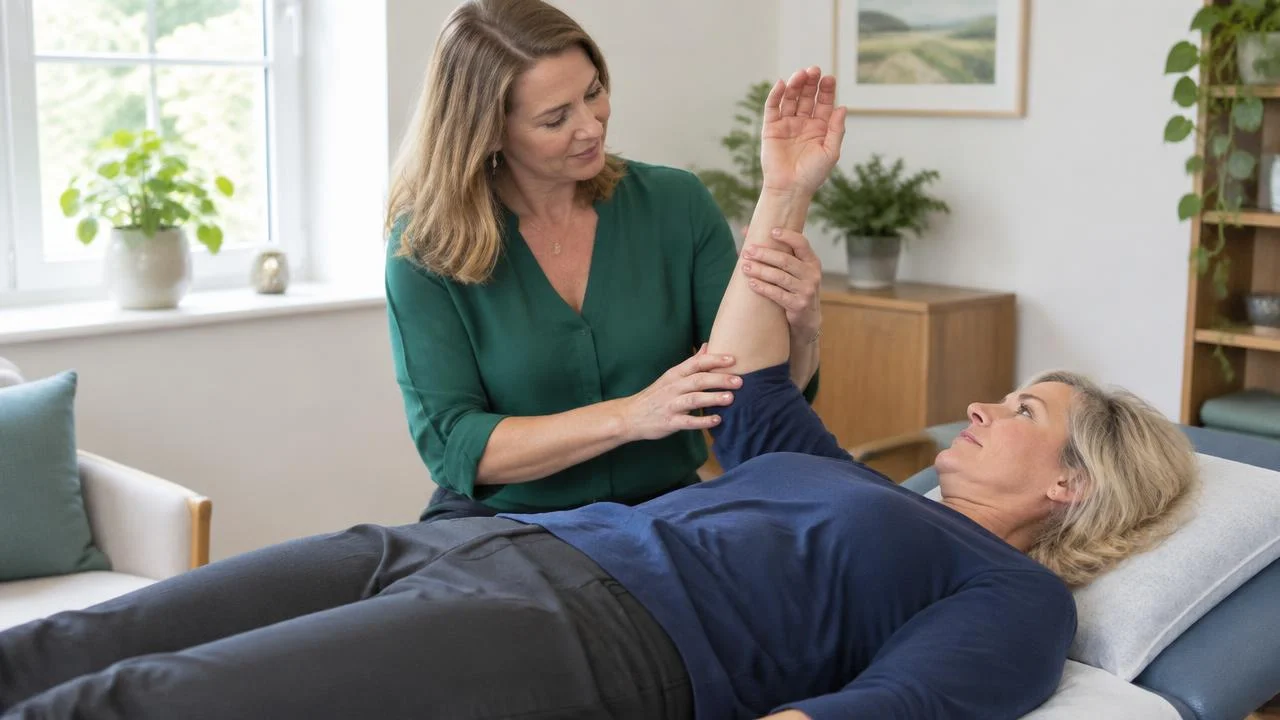
How to Build a Kinesiology Website: 5 Questions Clients Ask Before They Book
Ruth sends the website link, then a voice note explaining it. Ellie’s new website aims to give prospective clients everything they need without the commentary.

How to Build a Nutritional Therapy Website: 5 Ways to Turn Visitors into Clients
Bev wants help with meals around shift work, not blueberry tweezers. Lou’s website needs to make an ordinary week a good enough starting point.
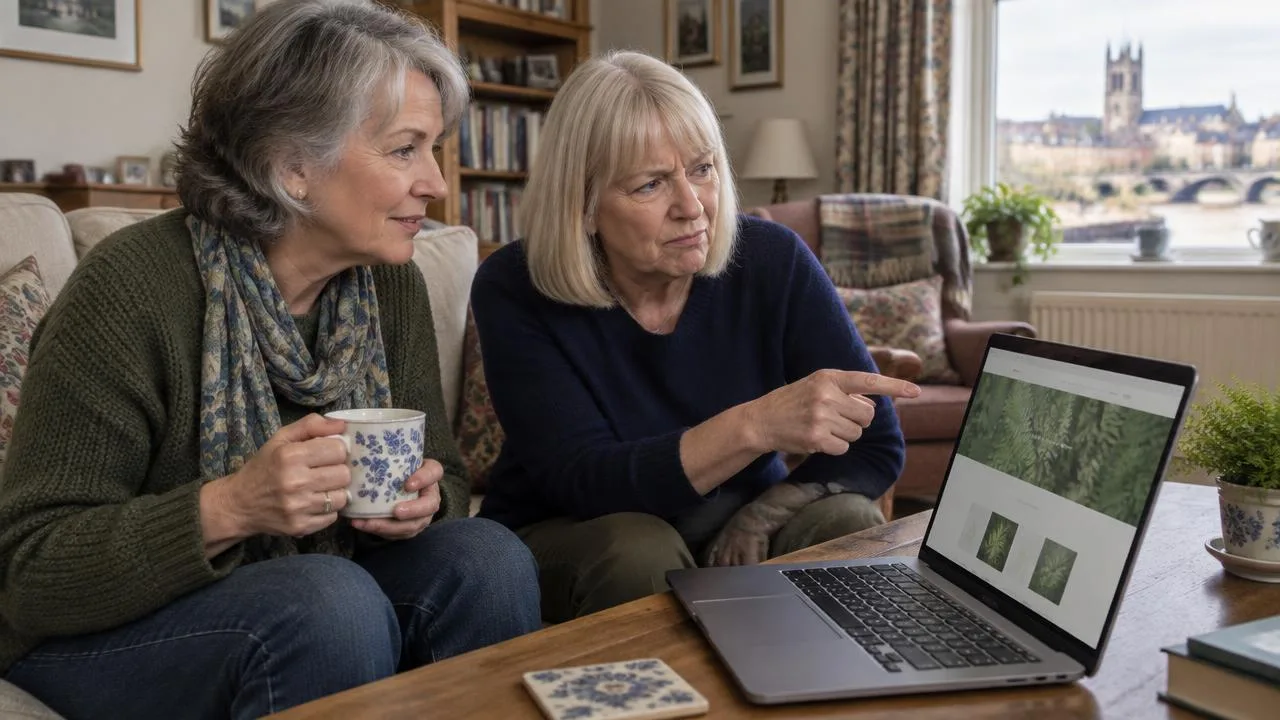
5 Questions Your Homeopathy Website Should Answer
Pat has £80 and Tuesday afternoon free. Moira's website needs to tell her exactly what she's buying, without a single fern standing in the way.

5 Essential Acupuncture Website Fixes
Martin has been recommended by his sister and has his diary open. Kate's website needs to answer his questions about needles before a giant close-up puts him off.